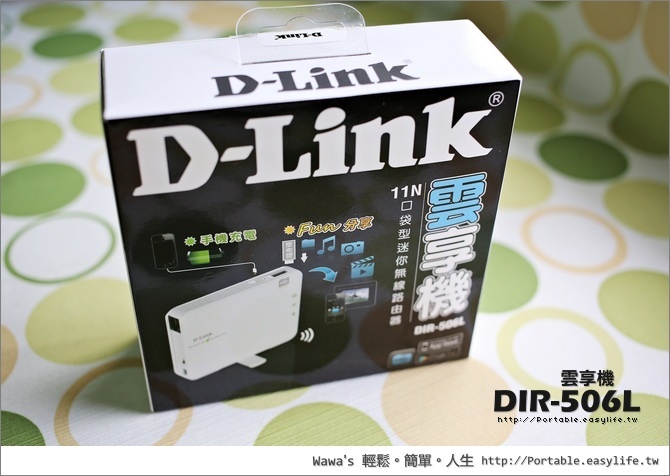
How do I configure SharePort™ on my DIR Series Router? Note: If using a D-Link portable router, SharePort is only compatible in Router and WIFI-Hotspot Mode. Step 1: Insert your USB Flash Drive into your Router.
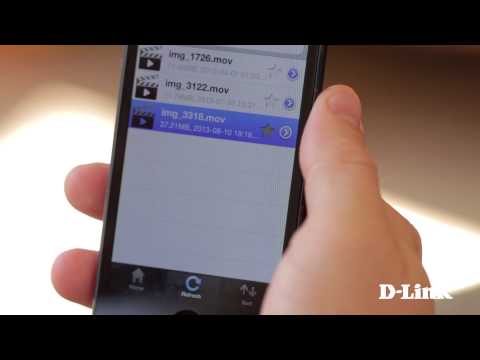
Note: If you access SharePort locally, the icon at the bottom of the screen will be blue. If your device isn’t connected to your router locally, tap Remote Access to access your SharePort storage using an Internet connection.